Our Life: Now & Forever Character Creator Guide
Names, pronouns, dress-up doll, mom matching, and looks that age with you.
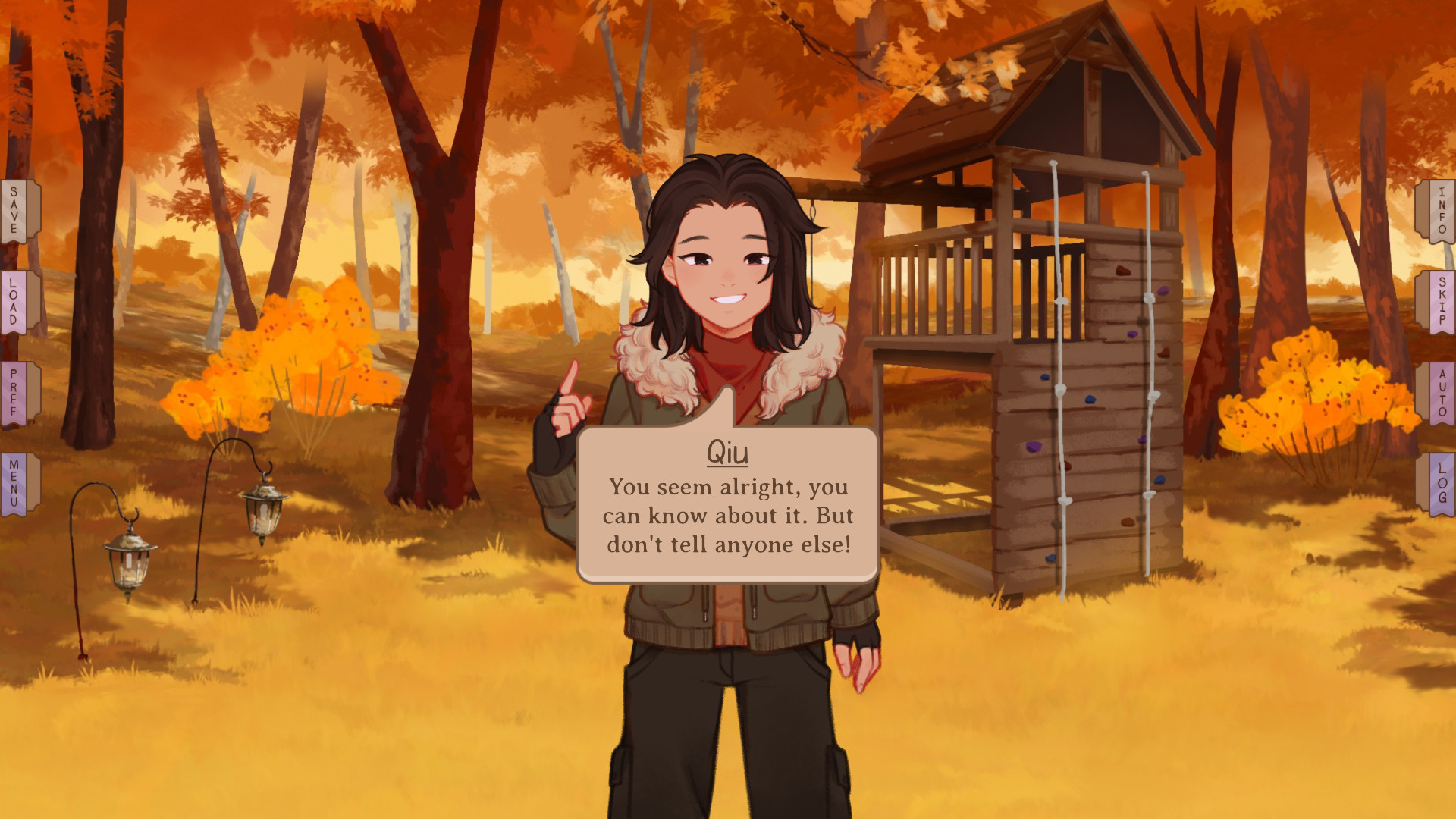
The character creator is half the fantasy of Our Life: Now & Forever. You are not picking a preset heroine or hero—you are building a kid who will grow through Golden Grove from age 10 to 22 beside Tamarack and Qiu. This guide covers the dress-up doll, naming and honorifics, pronoun systems (including custom and multiple sets), mom matching, aging across Steps, and practical tips so your protagonist still feels like you hundreds of thousands of words later.
New players should finish Getting Started first, then return here before locking a long Early Access save. Demo users should know the public demo’s creator is incomplete compared with launch options—great for testing vibes, not final for every hairstyle and accessory you will eventually want.
What you can customize
At a high level, OLNF lets you define:
- Identity text: first name, last name, nickname, honorifics.
- Pronouns: he/him, she/her, they/them, enter-your-own sets, and the ability to use more than one set. You can change pronouns as you grow, including transitioning mid-story.
- Appearance (dress-up doll): skin tone, face features, hair, clothes, and accessories.
- Family resemblance: partial customization of your mom so she can share traits with you.
- Personality and preferences: expressed through hundreds of in-story choices that characters remember—not a single alignment slider on the title screen.
Room customization (available for EA Steps) is adjacent: props in your bedroom can be referenced in Moments. It is not the doll, but it is part of how the world reflects you. See the Moments System for examples such as helmet colors during Wheels.
Names, nicknames, and honorifics
Pick names you will still enjoy hearing in tender and awkward scenes. Consider:
- Length and readability. Extremely long custom strings can crowd textboxes; if you use an elaborate nickname, keep the legal name shorter or vice versa.
- Honorifics. Decide whether peers, adults, or love interests use a specific honorific with you. Consistency helps immersion when Dynamic meters and romance routes shift tone.
- Series tone. Golden Grove is cozy and sentimental with comedy and later teen/adult edge. Names that fit a Pacific Northwest small town—or deliberately clash with it—both work if you lean into the contrast in dialogue choices.
You can revise details as Steps advance when the game allows appearance and pronoun updates. Plan a “childhood look” and a “teen refresh” rather than forcing one outfit forever.
Pronouns and gender expression
OLNF is built for flexible gender expression:
- Use standard sets or type custom pronouns.
- Combine multiple pronoun types if that matches how you want NPCs to refer to you.
- Change pronouns later as your character figures themselves out—mirroring how Qiu’s own genderfluid identity (they/he) unfolds across the story.
Tips:
- Test dialogue early. Play the introduction and first Moment, then skim a few lines that repeat your pronouns. If a custom set breaks immersion visually (spacing, capitalization), adjust before investing ten hours.
- Align romance expectations with self-expression. The game supports queer stories, polyamory, and friendship-first arcs. Your pronouns do not lock you out of caring for Tamarack or Qiu; Dynamics and choices do. Details: Romance & Relationships.
- Respect lead canon. Tamarack uses she/her only. Qiu is assigned male at birth and comes out as genderfluid (they/he) partway through. Your custom identity sits beside theirs, not instead of theirs.
Dress-up doll tips
The doll is meant to stay readable at sprite scale and in CGs:
- Silhouette first. Hair volume and outerwear matter more than tiny accessories for recognition in group scenes.
- Contrast with leads. Qiu and Tamarack have strong default palettes. If you share their exact hair and jacket colors, duo shots can blur—unless that twinning is intentional.
- Seasonal logic. The story opens in autumn in a mountain town. Layered clothes and warmer tones often feel diegetic, but whimsical fashion is allowed—own the bit in dialogue.
- Accessory callbacks. Some props echo room decorations or Moment gear. If you put a bike helmet in your room, think about the color you pick when Wheels offers helmet choices.
- Demo incompleteness. Do not abandon a concept because the demo lacks a part. Note the missing option and rebuild in EA with the fuller catalog.
Mom matching
Your mom is partially customizable so players can create a family resemblance. Use her as:
- A genetic echo (shared skin tone, eye shape, or hair color).
- A deliberate contrast (different presentation to highlight found-family themes with neighbors).
- A stability anchor—her look rarely needs the same mid-Step glam makeovers your protagonist might take.
Because she appears across quiet domestic scenes, choose a face you will not resent after dozens of kitchen and hallway talks.
Aging across Steps
Steps jump years: 10 → 14 → 18 → 22. Plan evolution:
| Step | Age | Creator mindset |
|---|---|---|
| 1 | 10 | Soft childhood shapes, practical play clothes |
| 2 | 14 | Identity experiments; hair and wardrobe shifts |
| 3 | 18 | Young adult polish; pronoun transitions if planned |
| 4 | 22 | Settled or still shifting—both valid |
Early Access launches with Steps 1–2, so nail childhood and early-teen looks first. More doll parts are planned toward full release—check the roadmap and Early Access notes.
Personality is also “character creation”
Unlike many VNs, a huge part of who you are is chosen in Moments, not only on the doll screen. Preferences, kindness, sarcasm, bravery, and romance pacing feed how Qiu and Tamarack treat you over years. If you create a soft-spoken doll then pick only sharp dialogue, the text will still honor your choices—but your own immersion may suffer. Decide whether you are role-playing a coherent person or exploring extremes across multiple saves.
Recommended save strategy after creator lock-in:
- Save immediately after finalizing names/doll/mom.
- Save again after Step 1 introduction.
- Branch before major Linked Moment pairs and before romance acceleration choices.
Accessibility and comfort while designing
Long creator sessions are easier with the same comfort tools you use while reading: larger fonts, alternate textbox layouts, and self-voicing. See accessibility and confirm performance on system requirements.
Related guides and hubs
- Getting Started — install, wishlist, EA timing.
- Demo Guide — what the demo’s incomplete creator includes.
- Moments System — where your traits resurface.
- Romance & Relationships — Dynamics with both leads.
- Players — cast context while you design.
- Guides Hub — full tutorial map.
- Tools and Links — setup pages and official socials.
Build someone you want to grow with. Golden Grove will remember the details.
Frequently Asked Questions
Quick answers about Golden Grove, Early Access, and relationships.
Can I use custom pronouns?
Yes. You can use standard sets, enter your own, and use more than one type. You can also change pronouns as your character grows across Steps.
Is the demo character creator complete?
No. The demo includes customization but not the full launch catalog. Use it to test concepts; rebuild or refine in Early Access for missing parts.
Can I make my mom look related to me?
Yes. Mom is partially customizable specifically so you can create a family resemblance with shared features.
Do appearance choices affect romance routes?
Romance is driven by Dynamics, choices, and pacing—not by locking a binary doll preset. Still, consistent presentation helps immersion when characters comment on who you are.
Will more doll parts be added later?
Yes. The roadmap calls out additional main-character appearance options toward full release beyond what Early Access Steps 1–2 ship with.