Our Life: Now & Forever Accessibility & Reading Comfort
Present the words your way—typefaces, textboxes, self-voicing, and pacing tips for a huge script.
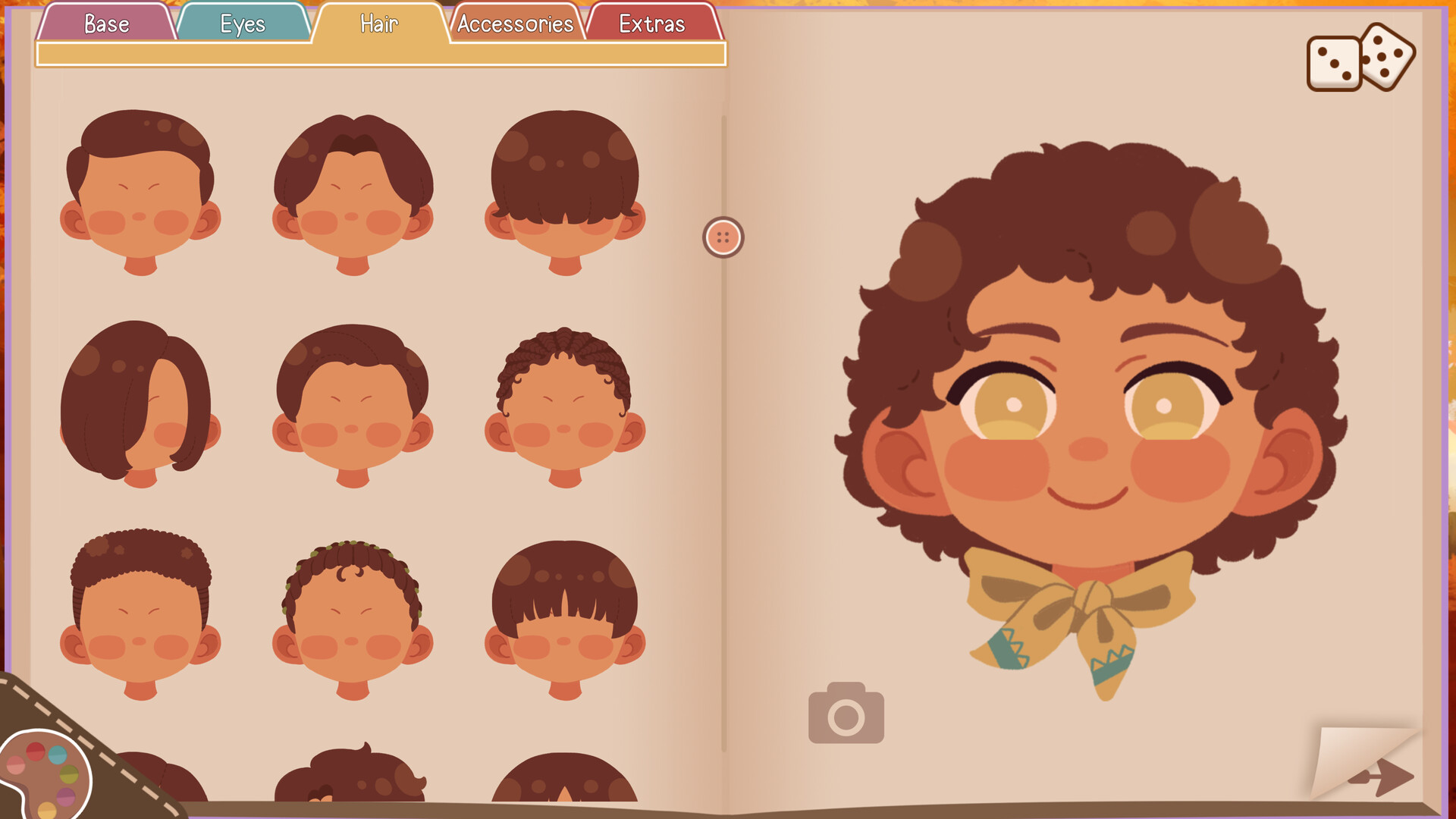
Our Life: Now & Forever is a reading marathon wrapped in autumn colors. Official materials promise you can read your way: customizable lettering size and font type, multiple textbox arrangements, and a self-voicing option built into the Ren’Py engine. This page explains those tools and adds comfort practices so Steps 1–2’s million-plus words remain inviting.
Built-in reading options
Font size
Increase size until dialogue is effortless at your usual seating distance. Portable screens and living-room TVs need different values—revisit preferences when you change displays. Larger text slightly reduces how many lines fit on screen; that trade is almost always worth it.
Font type
Typeface choice helps players with dyslexia preferences, contrast tastes, or simple aesthetic calm. Try the available fonts during the character creator tutorial stretch so you are not reinventing settings mid-confession.
Textbox layouts
Two (or more, as builds evolve) textbox arrangements let you pick how dialogue sits over backgrounds and sprites. If CGs feel cropped by UI chrome, switch layouts before blaming the art. Room decoration showcases—like the video embedded here—also read better when the textbox is not fighting the scenery.
Self-voicing
Ren’Py self-voicing can narrate interface and dialogue text through system speech tools. It is not the same as full cast voice acting planned for later full-release ambitions, but it opens the game to players who benefit from audio reinforcement. Enable it in preferences, confirm your OS voice pack works, and adjust system speech rate outside the game if needed.
Comfort tips for long sessions
- 20-20-20 eyes: every 20 minutes, look 20 feet away for 20 seconds.
- Posture: visual novels invite bed play; add lumbar support anyway.
- Emotional breaks: Qiu’s healing beats and family scenes can spike stress—pause without guilt.
- Save hygiene: keep a “before heavy Moment” slot so you can step away cleanly.
- Blue light: night-light modes help when you read past midnight before a workday.
- Volume: if self-voicing is on, cap system volume to avoid startling spikes in quiet rooms.
- Hydration and snacks: million-word EA is an endurance hobby.
Content comfort (spoiler-light)
OLNF is rated Teen and deals with growing up: identity, friendship rupture and repair, romance options, and parental relationships. It is not a horror title, but emotional intensity is real. Tools cannot remove themes; they can make engaging with them physically easier. Use Romance & Relationships to understand systems so you are not blindsided by mechanical surprises during tender scenes.
Pronoun customization for your protagonist—and respectful attention to Qiu’s they/he signals including nail-polish cues—are part of social accessibility. The game wants you comfortable being yourself on-screen.
Pairing accessibility with hardware
Tiny fonts on a Deck-like screen are an accessibility failure even if FPS is fine. Check System Requirements for device baselines, then enlarge fonts immediately. On Android, system font scaling may interact with the app—test both OS and in-game toggles.
Photosensitivity and motion
This is primarily a static-sprite visual novel. Still, menus, transitions, and trailer embeds (including on this wiki) can flash. If you are sensitive, avoid autoplaying site videos and use reduced-motion OS settings where available.
How wiki media fits
Pages may embed a single YouTube facade (click-to-load). That pattern reduces surprise audio. The decoration-focused video on this page is informational; mute or skip if motion is unwelcome. Character trailers live on Tamarack and Qiu instead of stacking multiple embeds here.
Workflow: first launch
- Install from Steam or itch (Links).
- Open Preferences before the prologue ends.
- Set font size/type and textbox layout.
- Test self-voicing for a minute, then disable if you prefer quiet reading.
- Create your protagonist with Getting Started open in a browser if you like checklists.
- Begin Moments knowing you can reopen preferences anytime.
Ongoing EA changes
As the roadmap delivers more doll parts, decorations, and possibly additional UI options, re-check preferences after major patches. Full-release partial voice acting—when it arrives—will complement, not replace, self-voicing for players who need engine narration.
Community and support
If a toggle is broken on your OS, report it with screenshots to support@gbpatchgames.com or official Discord. Frame feedback as “font size X fails on monitor Y” rather than vague frustration.
Why this page exists on a characters-heavy wiki
Cast pages teach you who to love; accessibility teaches you how to stay long enough to love them. Golden Grove’s paper airplanes only matter if you can comfortably read the text that follows. Tune the words, protect your body, and the story will meet you where you are—across ages 10, 14, 18, and 22, one readable line at a time.
Frequently Asked Questions
Quick answers about Golden Grove, Early Access, and relationships.
What reading options does OLNF include?
Customizable font size, font type, textbox layouts, and Ren’Py self-voicing so you can present dialogue in the style that works for you.
Is self-voicing the same as full voice acting?
No. Self-voicing uses engine/system speech. Partial cast voice acting is discussed as a full-version ambition, not a replacement for the toggle.
Can I change text settings mid-game?
Yes. Open preferences whenever readability slips—after monitor changes, late-night sessions, or long CG galleries.
Any tips for emotional fatigue?
Pause after heavy Moments, keep backup saves, and use breaks. Accessibility includes permission to stop.
Does pronoun customization count as accessibility?
It is identity support: set your protagonist’s pronouns in the creator and respect Qiu’s in-scene signals for a comfortable social experience.