Early Access FAQ for Our Life: Now & Forever
Free base, Step DLCs, demo saves, platforms, duration, and how to prep for Golden Grove.
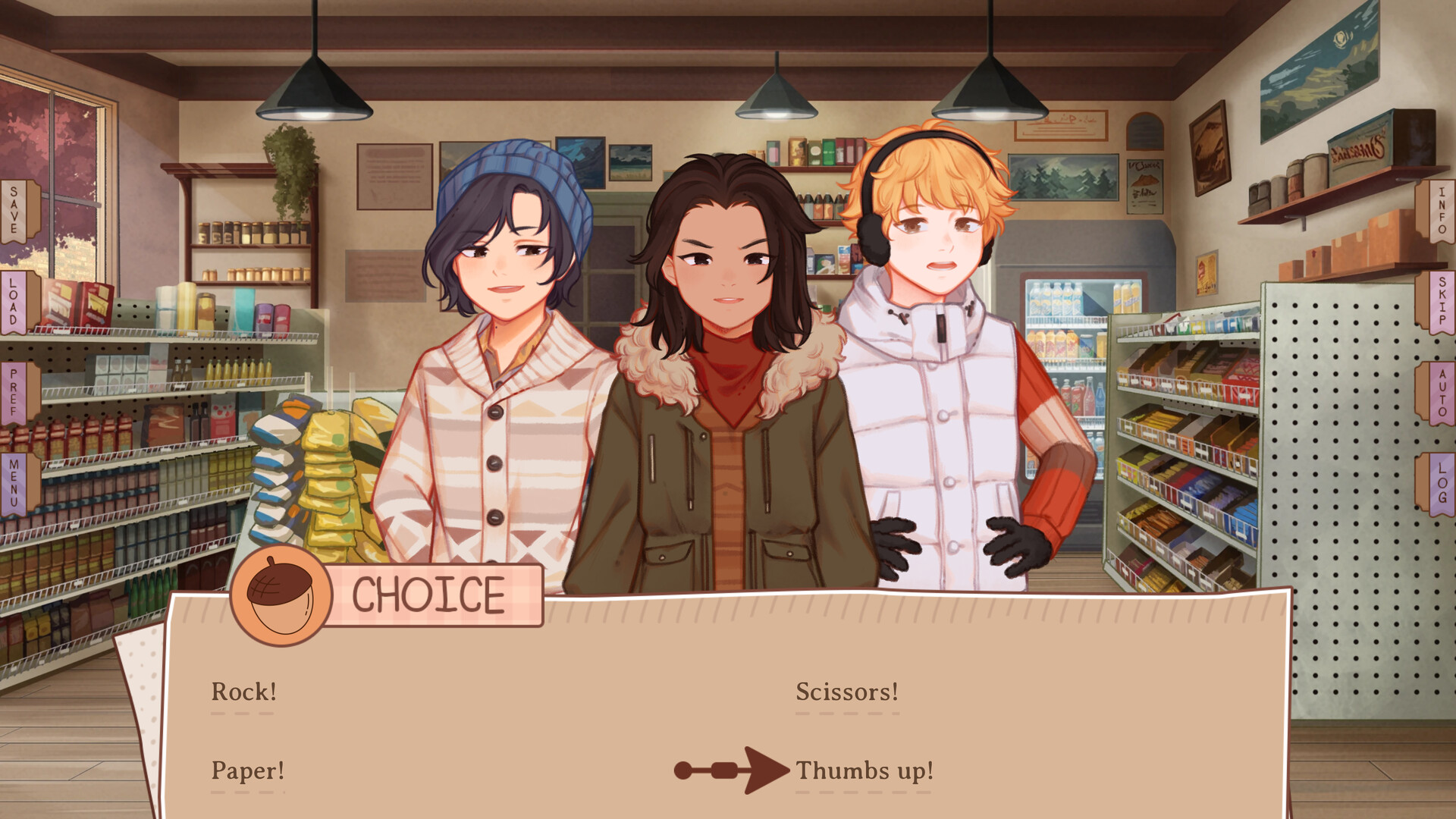
This Early Access FAQ answers the practical questions players ask before installing Our Life: Now & Forever (OLNF) on November 27, 2026. It complements the narrative Early Access briefing and the schedule-focused Launch Status page. If you want systems depth after reading, jump to Getting Started, Moments System, Step DLC, or Steps Overview.
Official game language is English only. This wiki is a multilingual fan resource; the answers below track GB Patch Games’ public messaging for the English build.
What does Early Access mean for OLNF?
Early Access here is a large unfinished main story, not a tiny vertical slice. At EA launch you receive Steps 1 and 2—roughly ages 10 and 14—with introductions, conclusions, five free Moments per Step, optional five-Moment Expansion packs per Step, room customization for those Steps, Steam Cloud support, performance work for lighter devices, and a script slice described at roughly 1.1 million+ words.
Steps 3 (young adulthood ~18) and 4 (grown ~22 epilogue) arrive later on the roadmap. GB has framed EA as lasting at least about a year, with Step 3 targeted for mid-2027 and Step 4 + full launch for late 2027. A Wedding DLC is aimed at early 2028.
If you only enjoy finished narratives end-to-end, wait for full release. If you enjoy living in a growing world—and giving specific bug reports—EA is designed for you.
Is the game free? What do I pay for?
- Base game: free. Core Moments and Step structure that GB designates as free are playable without purchase.
- Step Expansion DLCs: optional $5.99 USD each. Each pack adds five bonus Moments for that Step, plus richer callbacks elsewhere.
- Later packs / Wedding DLC: priced when those waves approach; EA ships Step 1 and Step 2 packs available.
You can complete a meaningful emotional arc on free content alone. DLC deepens history; it does not gate “being allowed to grow up in Golden Grove.” See the dedicated Step DLC Guide for buy-now versus buy-later advice.
Will prices go up after Early Access?
GB’s messaging for the series model is that Step Expansion pricing stays consistent—$5.99 remains the expected price point for those Moment packs through EA and when later Step packs appear at full launch. Cosmetic or celebration DLCs (voiced names historically in the series, Wedding story later) are separate products with their own tags. Always double-check the live Steam/itch store page on purchase day.
Who can play? Do I need to be a backer?
Everyone. Early Access is not locked to Kickstarter backers, Patreon tiers, or beta keys. Wishlist, install, play. Community betas and Patreon previews may exist for testers, but the public EA build is the open door.
Which platforms and storefronts?
Supported targets include Windows, Linux, macOS, and Android, with Steam as a flagship storefront and itch.io also carrying the game. Confirm OS builds on the page you download from—Steam demo and full app listings can differ slightly by platform over time. Hardware baselines are modest Ren’Py requirements; see System Requirements.
Controller and Steam Deck polish are called out as future-facing work on feature lists—check patch notes rather than assuming day-one Deck verification.
How long will Early Access last?
Plan on roughly a year or more of EA before the main story is considered complete under GB’s framing, matching the mid-2027 / late-2027 Step targets. Hotfixes and polish can land throughout. EA ending does not mean “no more content forever”—Wedding DLC and possible post-launch Moments still sit on the calendar.
What is in EA versus the full game?
| Topic | Early Access (Nov 2026) | Full / later waves |
|---|---|---|
| Story Steps | 1–2 | 3 mid-2027; 4 + full late 2027 |
| Moments | 5 free + 5 DLC per shipped Step | Same pattern continues per Step |
| Room customization | Steps 1–2 | Later Step rooms on roadmap |
| Doll parts | EA options for those ages | Many new parts called out for full launch |
| Voice | Not the full partial-VA package | Partial voice acting planned for fuller release |
| Achievements | Not the full Steam achievement pass | In-game + Steam achievements at full launch wave |
| Wedding DLC | Not included | Early 2028 target |
Trailers set mood; they are not a checklist that every Moment appears on day one. The animated EA trailer embedded on this page is tone, not a spoiler atlas.
Demo saves: what carries into Early Access?
GB Patch’s clear public note:
- Step 1 demo saves: can carry over into Early Access (assuming a reasonably current demo version—not an ancient abandoned build).
- Step 2 demo saves: do not carry over. Step 2 is incomplete in the demo compared with the EA build, so those files are practice, not migration candidates.
Practical advice:
- Finish or soft-finish Step 1 on a demo save you like if you want continuity into EA.
- Treat any Step 2 demo progress as a preview. Take notes on choices; expect to replay teen content properly in EA.
- Keep manual backups even when Steam Cloud is enabled—visual novels with huge state still deserve a second folder copy before major patches.
- Use Ren’Py Sync (Upload Sync / Download Sync on the save/load screen) to move saves between devices with a code. It is an engine feature GB enabled for players; it is not a substitute for reading which Step your file belongs to.
Older messaging from earlier demo eras sometimes said demo saves would not transfer at all. Prefer the current Step 1 yes / Step 2 no guidance when preparing for November 2026.
How should I prepare the week before launch?
- Confirm timezone math for 6am MT / 8am EST on November 27, 2026—see Launch Status if you missed the approval saga.
- Wishlist the main app; optionally keep the demo installed for last practice runs.
- Set accessibility defaults you can sustain for long sessions.
- Sketch a protagonist in the character creator mentally (names, pronouns, mom resemblance) so you are not inventing identity at 6:05am while download bars crawl.
- Decide whether to buy Step DLCs immediately or clear free Moments first.
- Pin Links for hotfix news.
Romance, polyamory, and EA scope
EA already covers childhood into mid-teens with Tamarack and Qiu. You can pursue friendship, romance, or both (including polyamory support). Jealousy-adjacent systems and mid-Step Dynamic shifts matter more as Steps progress—see Romance & Relationships. Adulthood relationship renegotiation intensifies in later Steps that are not in the first EA drop.
Feedback etiquette during EA
Good reports include OS, build number, Moment name, whether DLC is owned, and screenshots. Bad reports spoil unmarked late scenes or demand Wedding DLC during Step 1 week. Use official Discord/Steam channels listed on Links.
Related reading
- Early Access — narrative briefing
- Launch Status — Nov 2026 approval timeline
- Roadmap — 2027–2028 targets
- Demo Guide — what the demo teaches
- Step DLC — $5.99 decision frame
- Steps Overview — four-Step structure
- Differences from OLBA — series veterans
Early Access is a door into Golden Grove, not the whole house. Walk in knowing what is free, what is optional, which demo saves travel with you, and which chapters still wait beyond the autumn leaves of Steps 1–2.
Frequently Asked Questions
Quick answers about Golden Grove, Early Access, and relationships.
Is Early Access free?
Yes. The base EA experience is free. Optional Step Expansion DLCs cost $5.99 USD each and add five Moments per Step.
Do demo saves transfer into Early Access?
Step 1 demo saves can carry into EA. Step 2 demo saves do not, because Step 2 is incomplete in the demo relative to the EA build.
How long will Early Access last?
About a year or more per developer framing, with Step 3 targeted for mid-2027 and Step 4 + full launch for late 2027.
Do prices rise after Early Access?
Step Expansion packs are expected to stay at the $5.99 price point. Always confirm the live store page when buying.
Who is allowed to play EA?
Everyone. You do not need to be a backer or Patreon subscriber to play the free base Early Access build.
Where can I play?
Steam and itch.io, targeting Windows, Linux, macOS, and Android. Confirm the storefront build for your device.