Our Life: Now & Forever Tools & Setup
Hardware baselines, reading accessibility, and comfort practices for a million-word life sim.
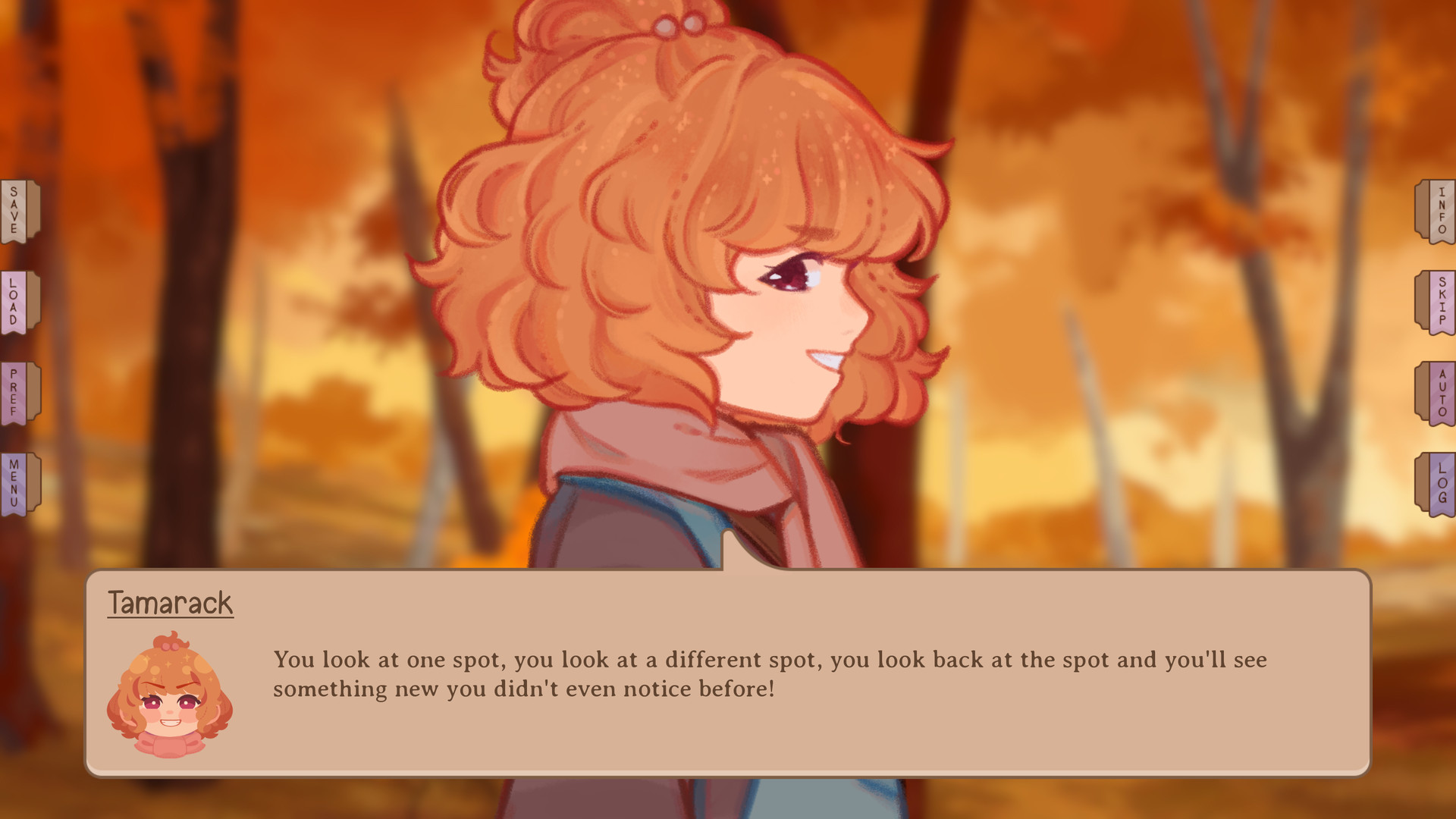
Our Life: Now & Forever runs on Ren’Py and asks for time more than for a high-end GPU. This Tools Hub gathers the practical pages that keep installs smooth and reading sessions kind to your eyes, ears, and wrists—especially across Early Access’s already enormous Steps 1–2 script.
Pages in this hub
- System Requirements — Windows, Linux, and related baselines; storage; notes on macOS/Android storefronts; future controller and Steam Deck expectations.
- Accessibility — font size, font type, textbox layouts, self-voicing, and comfort tips for heavy emotional arcs.
Use both before you binge Golden Grove on a laptop in bed.
Why tools matter for this game
OLNF is choice-dense and text-forward. A misconfigured font or a machine swapping to disk will eject you from the fiction faster than any “bad ending.” Spending ten minutes on setup preserves hours of Moments with Tamarack, Qiu, and the rest of Golden Grove.
Tools pages also help you advise friends: share the requirements link when someone asks “will it run?”, and share accessibility when someone says visual novels hurt their eyes.
Setup flow we recommend
- Confirm your device against System Requirements.
- Install from Steam or itch (URLs on Links).
- Launch once, open preferences, tune options from Accessibility.
- Create a manual save slot before tinkering further.
- Follow Getting Started for first-hour fiction goals.
- Optionally skim the Demo Guide if you are still on the fence.
Performance mindset
EA messaging includes performance improvements for lower-powered devices. Still:
- Close browser farms of autoplaying video while running the client.
- Keep free disk space beyond the minimum 2GB-class footprint for OS updates and Cloud caches.
- On Linux, verify dependencies Ren’Py expects for your distro.
- On handheld PCs, treat Deck support as evolving—recheck this hub after feature-list updates on the roadmap.
Accessibility mindset
Customization is not only dolls and rooms; it is how words appear. Font size, typeface, textbox arrangement, and self-voicing exist so more players can finish Steps. If a scene with Qiu’s healing arc or a family conversation hits hard, pause—tools include permission to stop.
Related wiki routes
- Release scope: Early Access, Roadmap, Updates Hub
- Play systems: Moments, Romance, Character creator
- Series context: Differences from OLBA
- Cast: Characters Hub
Room decorations and creator tools
Cosmetic tools (room decorations, doll parts) expand across the roadmap. They are not gated behind predatory energy systems; they arrive as build features and full-launch expansions. When a patch adds decorations, official videos sometimes showcase them—accessibility and requirements pages stay focused on reading and hardware, while patch notes cover the cosmetics.
Support path
If the game will not launch, gather OS version, storefront, build number, and error text, then contact support@gbpatchgames.com or ask in official Discord (both listed under Links). Wiki tools pages cannot replace developer support for account or purchase issues.
Keep this hub bookmarked
Requirements rarely explode upward, but Deck/controller checkboxes and new accessibility toggles can appear as GB Patch checks off the feature list. After each major Step drop, spend two minutes here before spending twenty hours in Moments—your future self, squinting at midnight textboxes, will thank you.
Frequently Asked Questions
Quick answers about Golden Grove, Early Access, and relationships.
Does Our Life: Now & Forever need a gaming PC?
No. It is a Ren’Py visual novel with modest CPU, RAM, and storage needs. See System Requirements for exact baselines.
What accessibility options exist?
Customizable font size and font type, multiple textbox layouts, and engine self-voicing. Details live on the Accessibility page.
Is Steam Deck officially supported on day one?
Controller and Deck polish are called out as future-facing. Check System Requirements and patch notes as features land.
Where do I report a crash?
Use official Discord or email support@gbpatchgames.com with OS, storefront, build, and logs. Links hub lists contact channels.
Should I change settings before or after the character creator?
Tune reading accessibility first so the creator and early Moments are comfortable, then design your protagonist.